
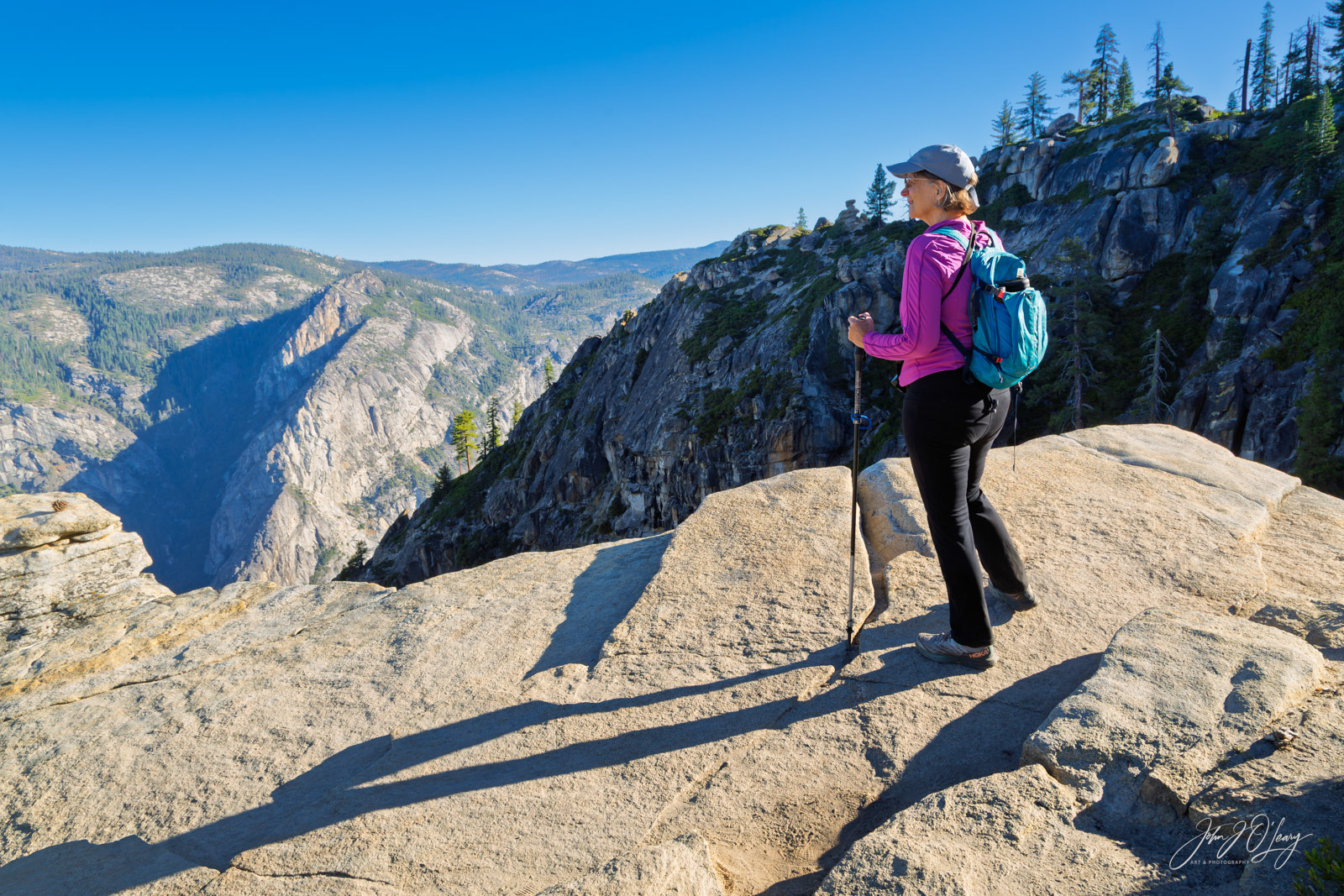
Although many of my Generative Art images start with an idea for a finished work and primarily use a computer to help create it, I also use my own photographs as inspiration. On a recent trip to Yosemite National Park, I took this photograph of a hiker standing on a sunlit granite ledge high above the Yosemite Valley. The low angle of the sun was casting a long shadow which was interesting. The stark contrast between light and dark, coupled with the vibrant colors of her clothing, immediately capture the viewer's attention. Then the eye is drawn further into the distance, where the warm tones of the foreground give way to cooler blue tones which create depth to the photograph.

Earlier on the same day, I had taken this wide-angle photograph just before sunrise. The goal was to capture Half Dome at dawn, an iconic feature of Yosemite. It has attracted photographers, artist and climbers for many years due to the sheer granite peak rising above the tree-covered valley below. I wanted to combine elements from both photographs.
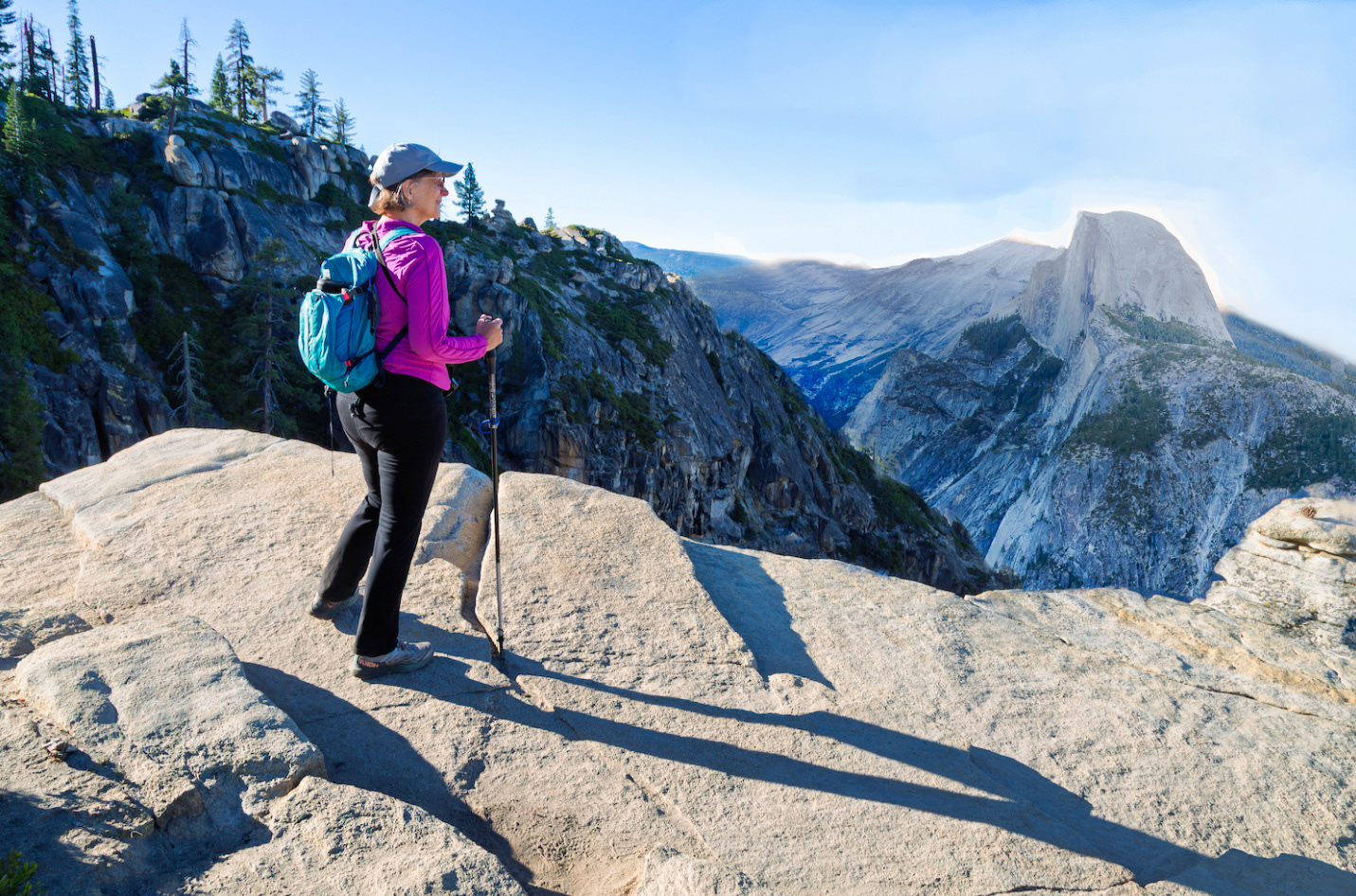
Using my computer, I first created this rough draft of a composite image, made from areas within both photographs. Although Half Dome is now included and the hiker appears to be gazing at it, it didn't work as the light was coming from the wrong direction.

I brought the rough draft into a computer program powered by artificial intelligence (AI) to quickly try various arrangements of the elements including the rock ledge, the hiker, Half Dome, Yosemite Valley, and even a Bald Eagle flying above it all. AI can quickly accomplish the various layouts which in the past would take many hours. This image shows one such arrangement, but I had a lot of work still to do. Trial and error through repeated iterations is a common process in such endeavors. This is very similar to an artist painting over a portion of an oil painting if it doesn't meet expectations, or a photographer removing distracting objects in a photograph.

Eventually, using my two photographs and computer software such as Adobe Lightroom, Photoshop, Midjourney, etc., I was able to get the elements into an arrangement that worked for this final image. The hiker is now gazing out over the valley at a Bald Eagle. The valley leads the eye into the distance, which further adds depth. The final steps included adjusting lighting, contrast, color, sharpness, etc. Once I was pleased with having achieved my original idea, I exported the image to this website and added my signature in the lower right corner.
Note that Generative Art can be much simpler, depending on what your vision is. Hopefully this example gives you a sense of the process I might use to create a "Generative Image".